Studies
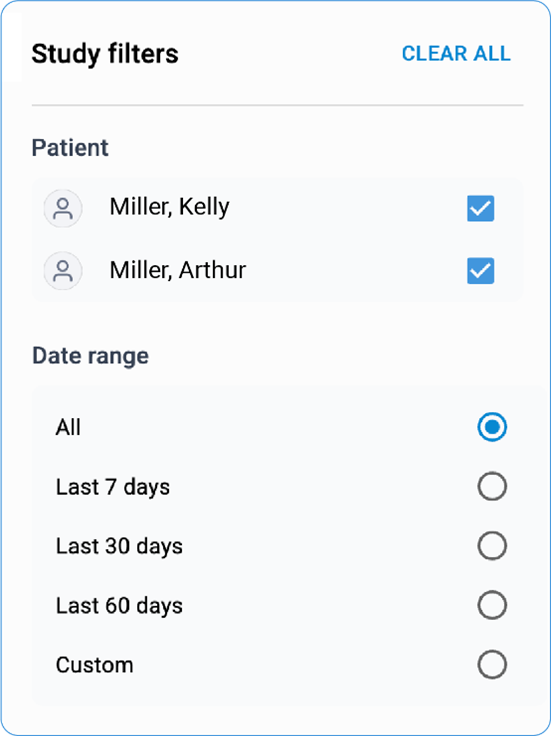
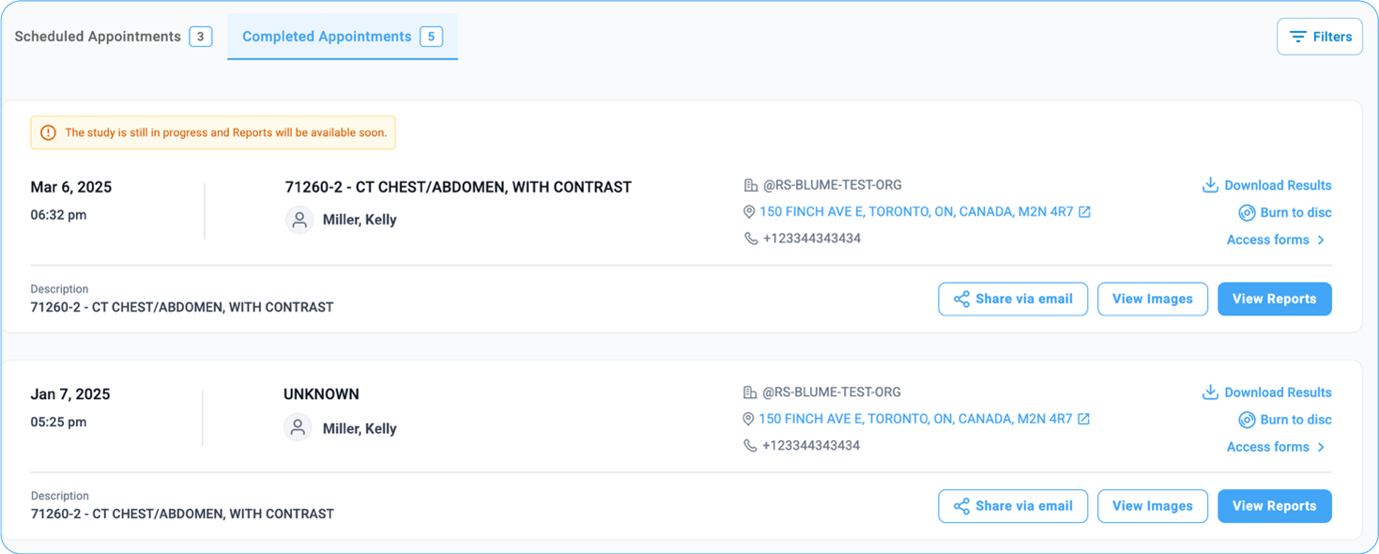
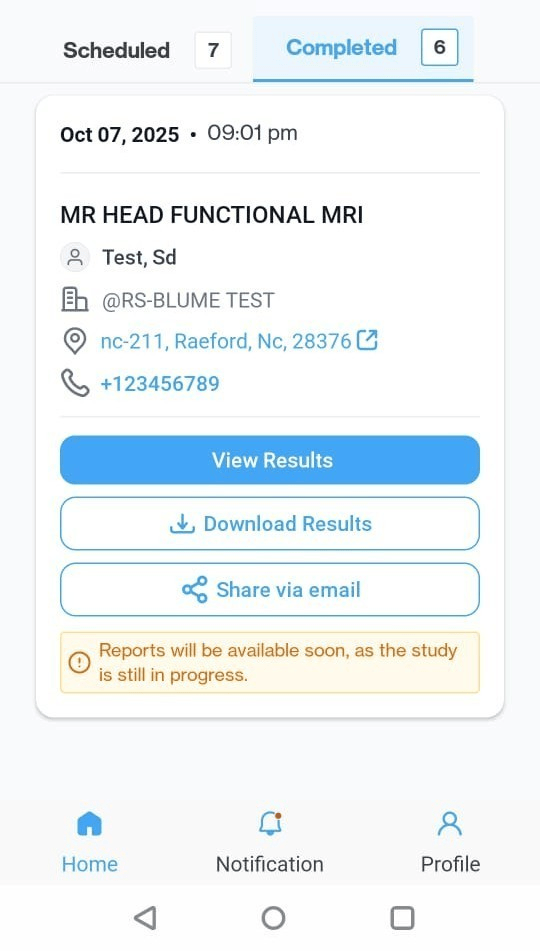
A comprehensive walkthrough to view, manage, and share your medical studies with Blume — simple, seamless, and user-friendly. All your studies are available under the "Completed Appointments" tab, which is the first screen displayed when you log in to the Blume patient portal. By default, studies are shown in chronological order, with the most recent ones appearing first. If your account has multiple profiles, you can filter studies by the selected patient profile.
You can also sort studies by date range—options include All, Last 7 Days, Last 30 Days, Last 60 Days, or a custom range.